















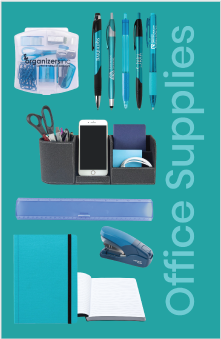







































Download these images as custom page inserts for your SAGE Catalog Studio custom catalogs. To download, click on the page and size you need. The page will open in a new browser. From there, right-click, choose Save Image As, and save it to your computer.

How to insert pages into your custom catalog:

  • 1.

    Choose Project

    Create either a digest-sized custom catalog, a large custom catalog, or select a pre-built Ready-to-Go catalog.
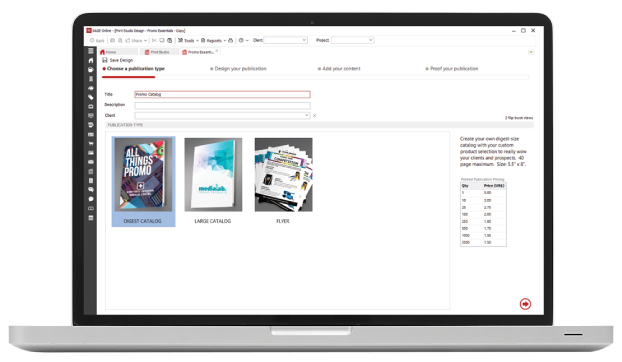
    Choose Project
  • 2.

    Select Cover

    Add your completely customized cover or choose one of our stock covers and add your logo.
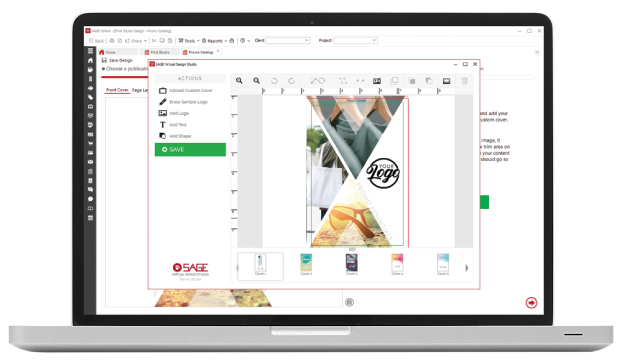
    Select Cover
  • 3.

    Add Products & Custom Pages

    Add any products from the SAGE database to your catalog, add your own products, and add custom pages.
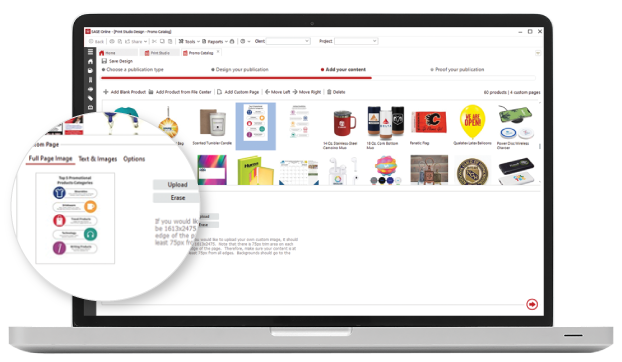
    Add Products & Custom Pages
  • 4.

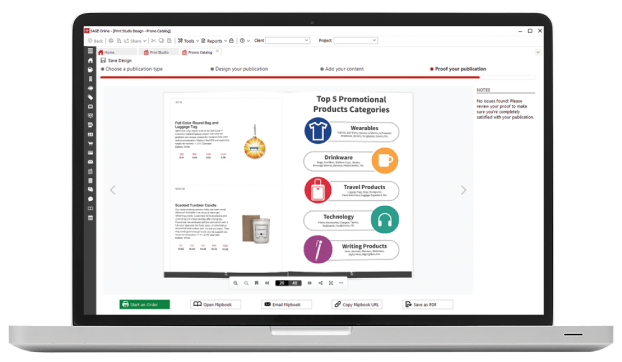
    Save & Print

    You can save a flip book or PDF version of your catalog, or we’ll print and ship them to you!
    Save & Print
Back to Top