

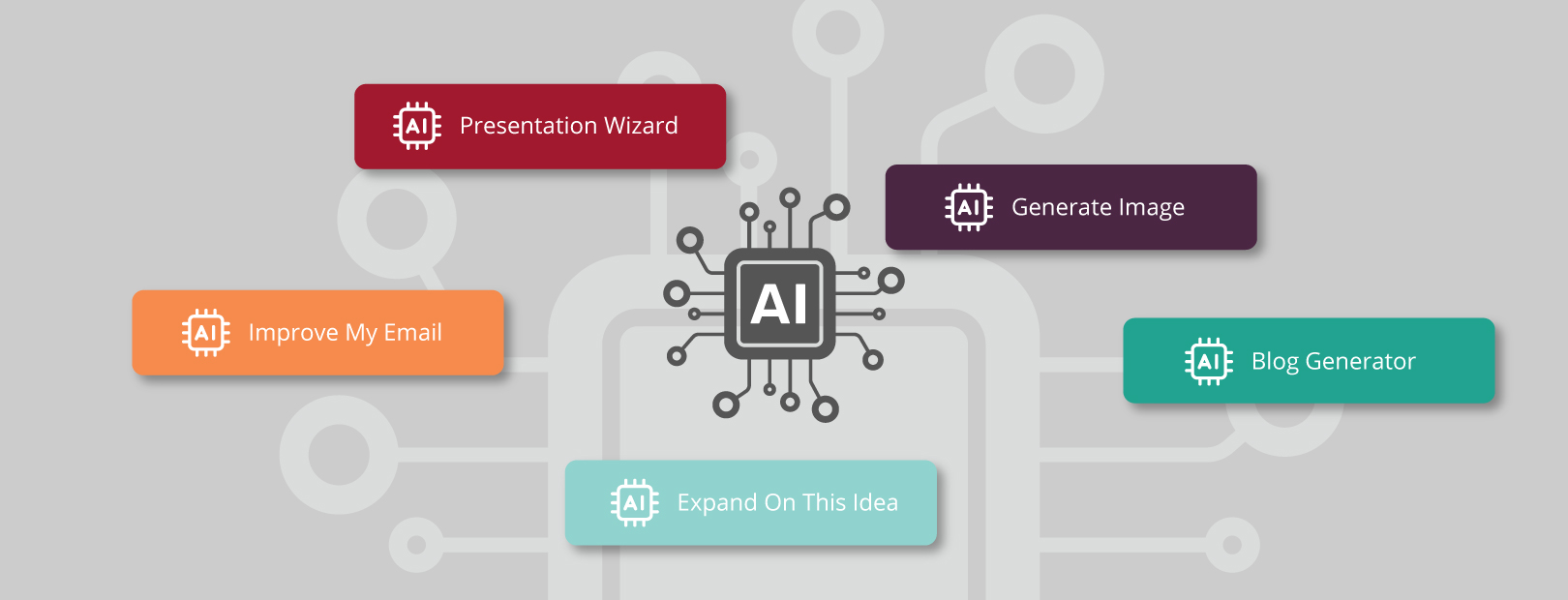
You know SAGE for its promotional product search capabilities and business management tools, but did you know there are AI tools sprinkled throughout various modules, too? The robots aren’t rising; the SAGE techies are working to make distributors’ lives easier.
In the same way a magician may find more joy in performing the trick than in knowing how it’s done, you can experience a sense of awe when using the AI-powered tools in SAGE without understanding how they work.
It’s like giving yourself a magic show, but with business benefits.
Presentation Wizard

To paraphrase Ron Burgundy, the Presentation Wizard is kind of a big deal. Picture this: it’s late afternoon on a Friday, you have plans to go away with your family for the weekend, and a prospective client calls asking for help planning the giveaways for an event that’s coming up. They want to know if you can give the planning committee a presentation at their meeting Monday morning.
Rather than cancel on your family or miss out on this opportunity that came knocking, you could use the Presentation Wizard to save the day, the weekend, and the deal. When you open a new presentation in the Presentations module of SAGE Workplace™, click “Presentation Wizard”. From there, you fill out a form with some details about what the client wants, the layout of the presentation, how many products you want to include, and whether you have specific supplier preference groups. Then, abracadabra, click “Create Presentation” and sit back while the AI does the work.
The Presentation Wizard chooses the specified number of relevant products and inserts images and product descriptions into the presentation in the layout of your choosing. Use the presentation as it is, or make any edits you’d like. Easy peasy nice and breezy. Weekend saved!
Learn more about the Presentation Wizard in this blog on the topic.
Image Generator

For distributors and suppliers with a SAGE website, you can use the Image Generator to create images for webpages, blogs, and more. You don’t have to hire a professional photographer or graphic designer when AI can provide what you need. You can find the Image Generator in the File Library in SAGE Member. Simply describe the image you have in mind and wallah, the Image Generator produces something for you. You might want to provide more details or look at different options, but it only takes a few seconds to do those things. Create a context in which to display product offerings or a header image. The possibilities are endless. Beware, though, you might develop a bit of an addiction.
Learn more about how to use the Image Generator in this blog.
AI Powered Emails
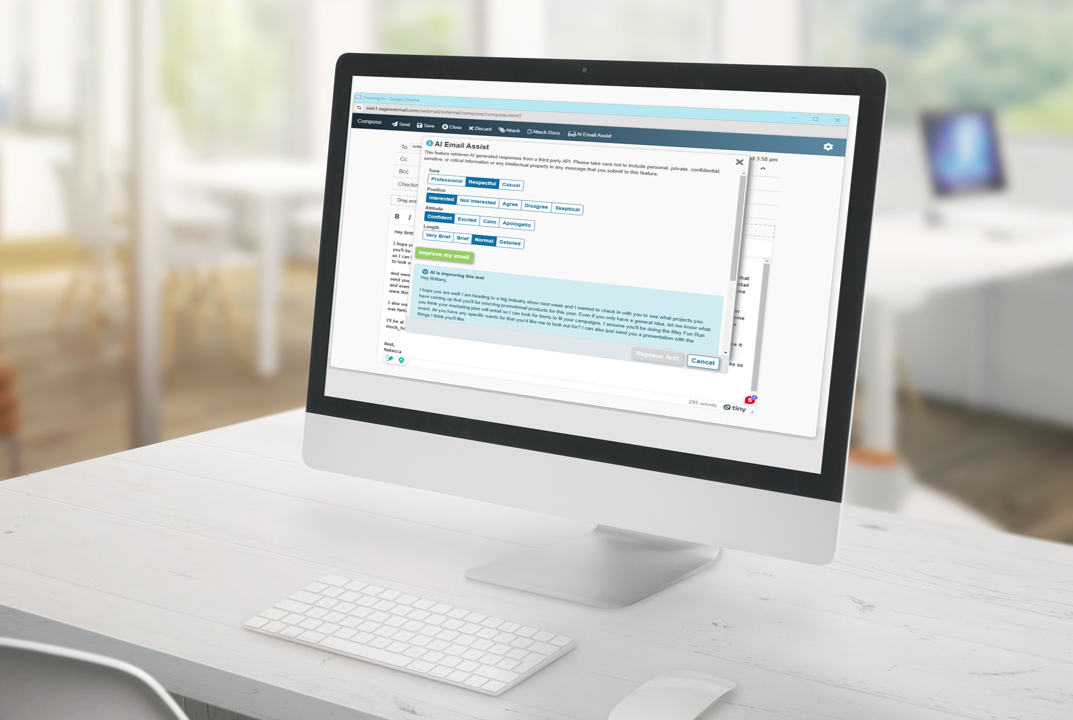
SAGE Webmail allows users to type an email and then decide if they want the AI to make it sound better, more professional, friendlier, and any number of other options. Start by writing the email yourself or just tell the AI what you want to communicate. No more typos and spelling errors to embarrass you when you’re in a hurry.
Blog Generator
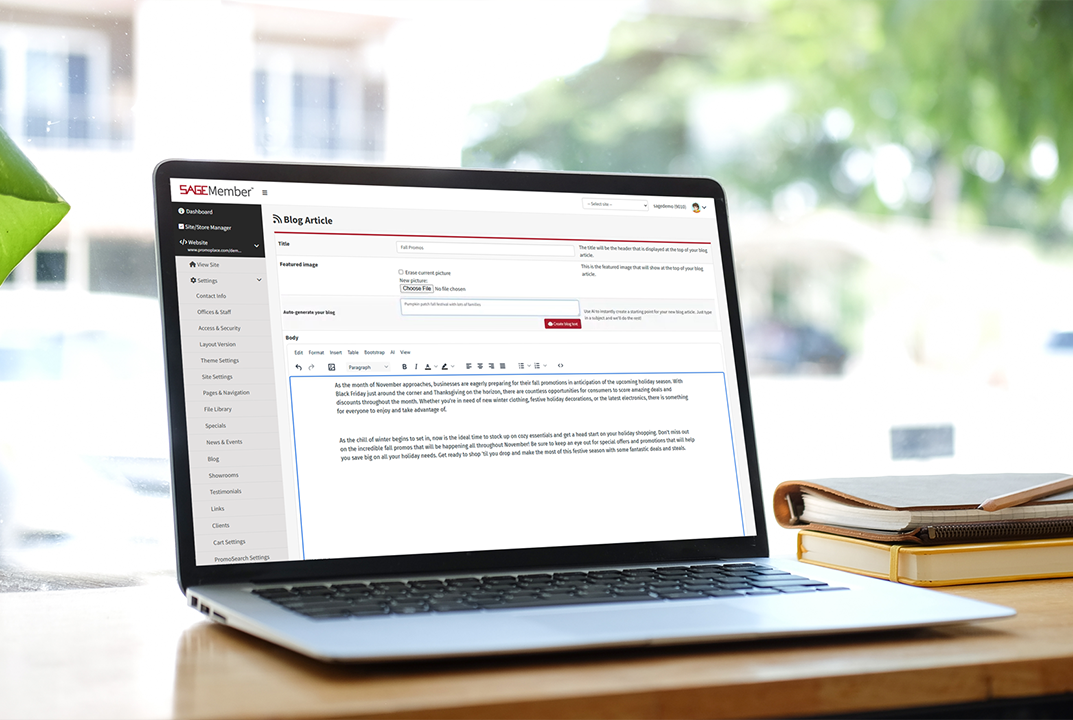
Promotional products distributors and suppliers who have the SAGE Website Professional Plus can use AI to write blogs for their website. Tell the tool the topic you want and sit back to watch the magic. You may want to add some human verification, but the heavy lifting is done by artificial intelligence. Just like that. You could even use an image you created in the Image Generator in the blog post.
Product Descriptions
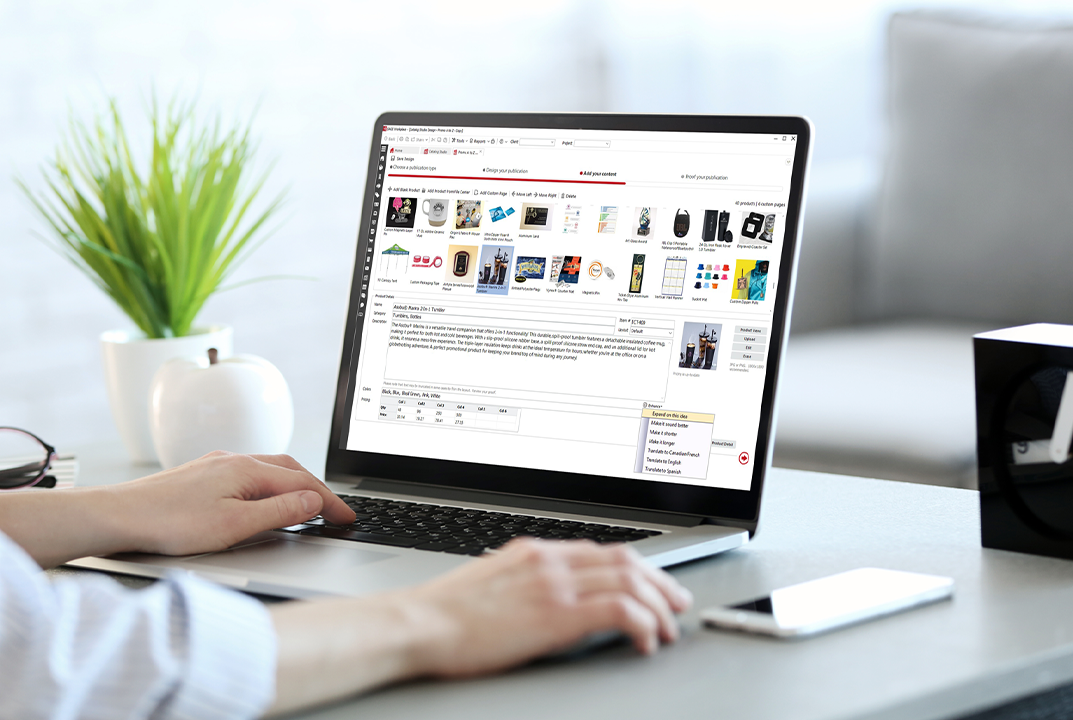
In presentations, catalogs, websites, stores, and emails, you can use SAGE AI to upgrade product descriptions to fit your specific needs or just have the AI make the products all sound like they were written by the same person to provide a consistent voice.
There’s something to be said about making technology work for you instead of the other way around. Use these SAGE AI tools to enjoy a better work day.
0 Comments