

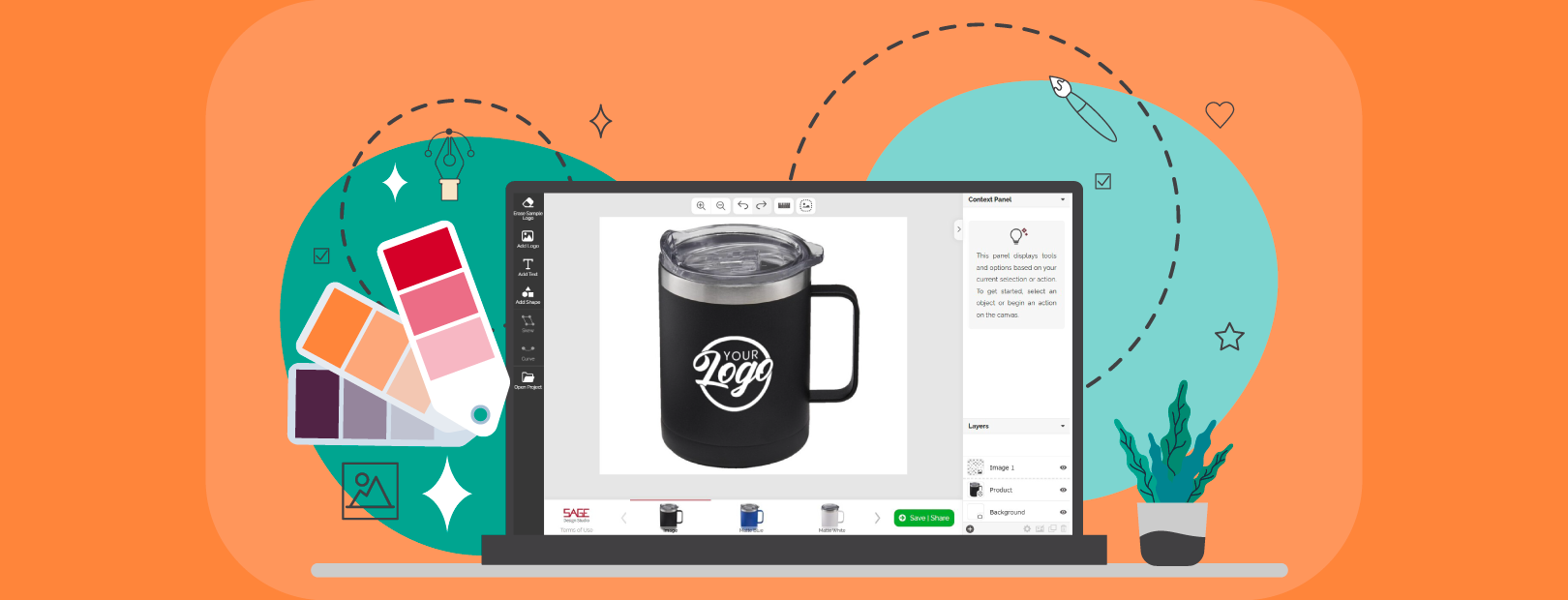
SAGE Design Studio (formerly Virtual Design Studio) received a host of upgrades recently to expand the capabilities of the module and make the lives of those who use it easier. In addition to a more modern look and a floating toolbar to make it easier to find the tools you need, SAGE Design Studio simplifies the workday for promotional products distributors in at least 5 other ways.
Faster, Easier Client Mockups
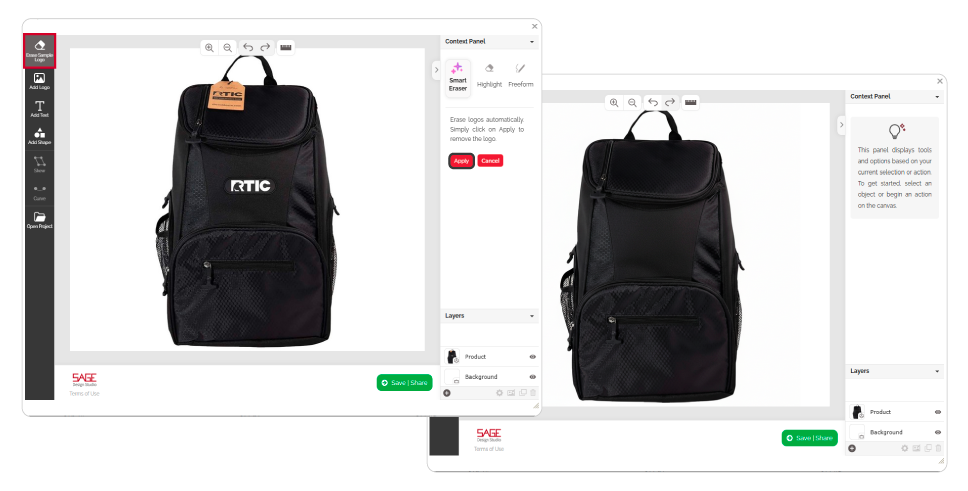
Show clients exactly how their logo and message will look on a product by creating a quick mockup in the SAGE Design Studio. If the image of a product has a different logo on it, that’s not a problem. Thanks to the new AI-powered smart erase feature, you can delete that logo from the image with the click of a button. Add your client’s logo and then skew or curve it as necessary to create a realistic mockup of any item. The whole process is fast and delivers professional results that impress clients.
Magic Upscaling
Need a bigger logo, but don’t want to walk the client through the processing of increasing the size of the image on their end? Say less. Within SAGE Design Studio lives an AI tool that allows you to increase the size of an image without sacrificing quality. You can expand a logo size and the tool uses AI to keep the image from pixelating or getting blurry. The tool won’t change the format of the image, but it does what you need it to do to create a great mockup.
Robust Image Creation
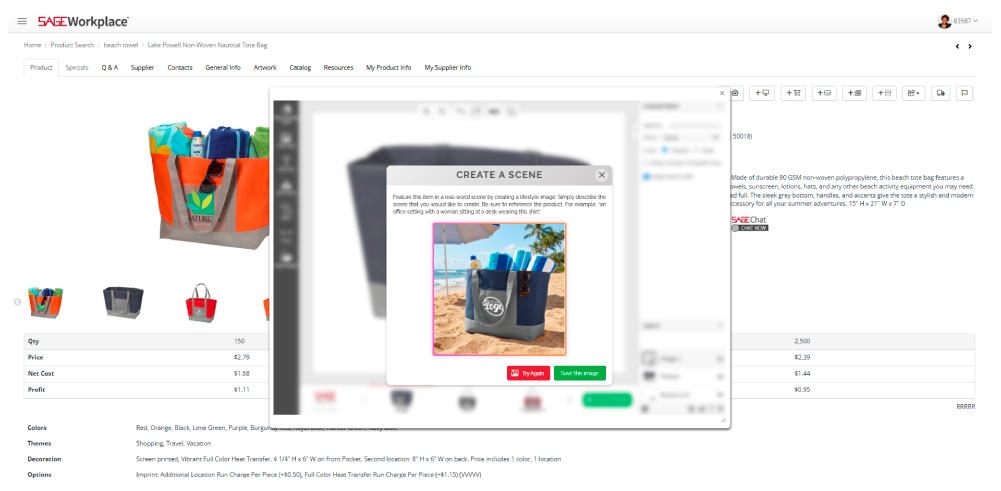
Not satisfied with a traditional mockup and wish you had more lifestyle images of products “out in the wild”? There’s no need for expensive photo shoots or hours spent looking for the just-right stock photo. In SAGE Design Studio, you can use the AI-powered image generator to create the lifestyle image of your dreams. All you need is a descriptive prompt to make your vision become a reality. Think of it as creating a scene to help your client visualize how their brand could appear in real life.
Want to employ the power of AI and exercise your design skills at the same time? That’s an option, too. SAGE Design Studio now has layer capabilities. The logo could be a layer you get from your client. The product could be a layer provided by the supplier. And the scene could be a layer you captured on your last vacation. Now you can combine them for an entirely new image. The only limit to the possibilities is your imagination.
Brand Consistency Protection
If you’re a larger company with more users in your SAGE Workplace™ account, the SAGE Design Studio has something special for you, too. The administrator of the account can set it up so that only certain fonts and colors can be used in the studio. This helps to maintain brand consistency regardless of who is using the platform. No rogue designs or logo distortions on our watch.
No Additional Graphic Design Cost
Graphic designers are talented, creative people with a unique set of skills. That being said, their skills cost extra. One of the beauties of SAGE Design Studio is that it’s set up to help you produce professional-looking results without having to hire graphic designers. The AI capabilities have the power you need for mockup tasks and more, without the need for advanced design skills.
Harnessing the power of AI, SAGE has upgraded the SAGE Design Studio to provide more professional looking mockups, great lifestyle images, and more with such speed and ease that you’ll think it’s magic.
0 Comments